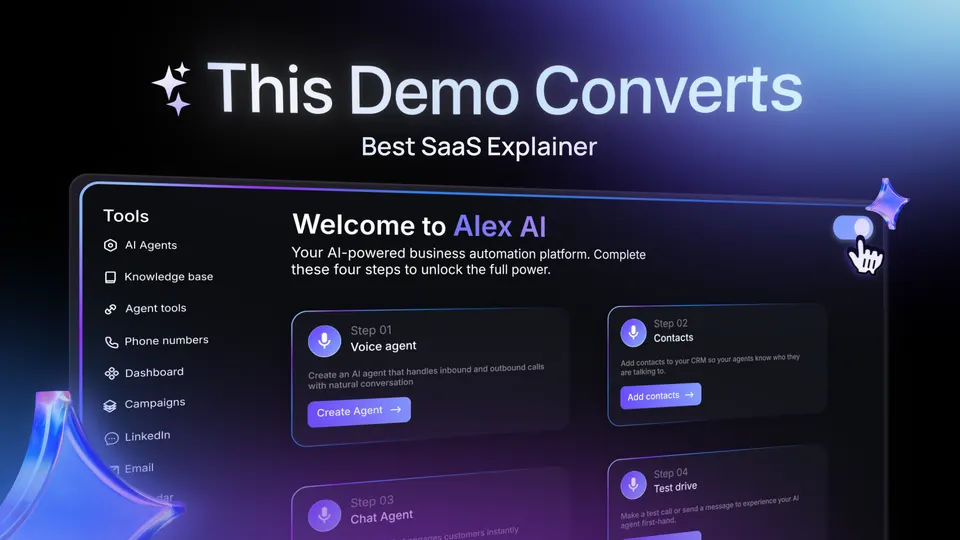
SaaS demos that look expensive. One click each.
An After Effects panel for SaaS demos. Figma to AE as native layers, plus 24 tools for the rest. Everything stays editable.
From $19360+ designers4.7 on GumroadAE 2022+
Nine of the 25, in motion
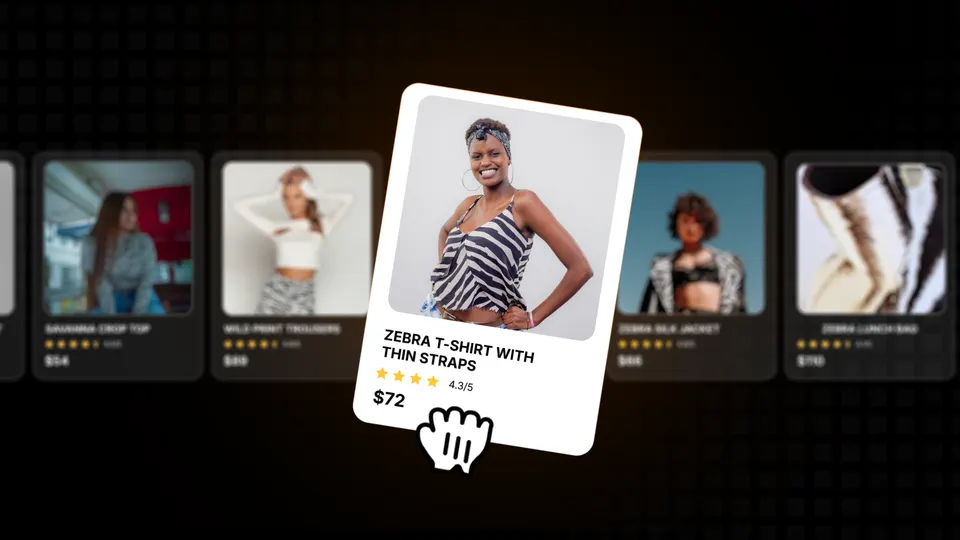
Figma → After Effects, layer for layer.
Select a frame, press one button. Shapes stay shapes, text stays text, in Figma's layer order. Glass, background blur and the other Figma effects After Effects has no button for come through too.
Measured on 64 real frames, Figma against After Effects.
Built in layers.
25 tools. Five tabs.
The same tabs as in the panel. Five tools are new in 2.0.
29 glass objects. Zero 3D setup.
What's new in 2.0

Drag the handle to compare with 1.0.

 1.02.0
What actually changes on your next project
Choose your version
Pay once, keep it forever. Use it on up to 3 computers. A full refund if it doesn't work for you.
SaaS Kit 2.0 Studio
The full panel, plus the kit we use to ship client demos.
- Everything in SaaS Kit 2.0
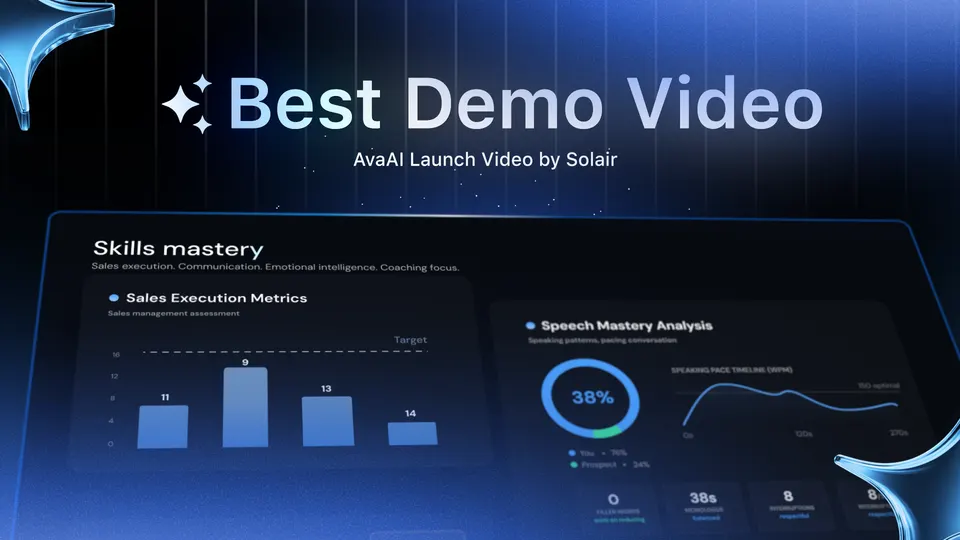
- 3 studio project files (.aep)
- 30 SaaS backgrounds
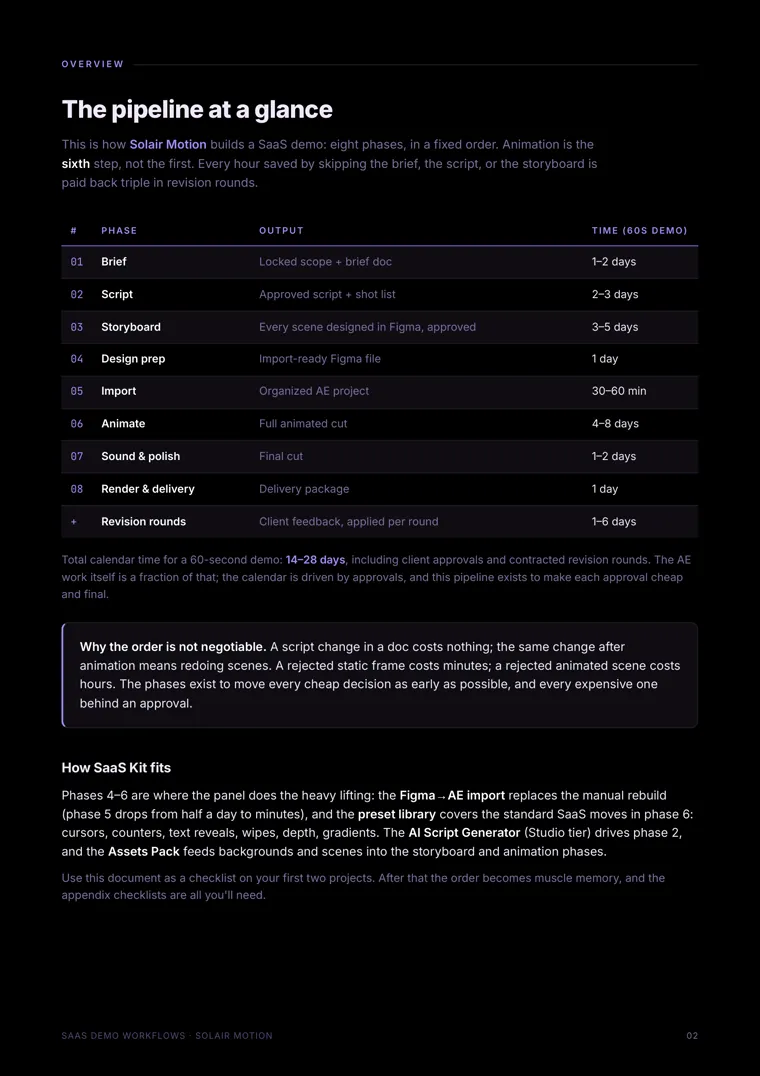
- The SaaS Demo Workflows playbook
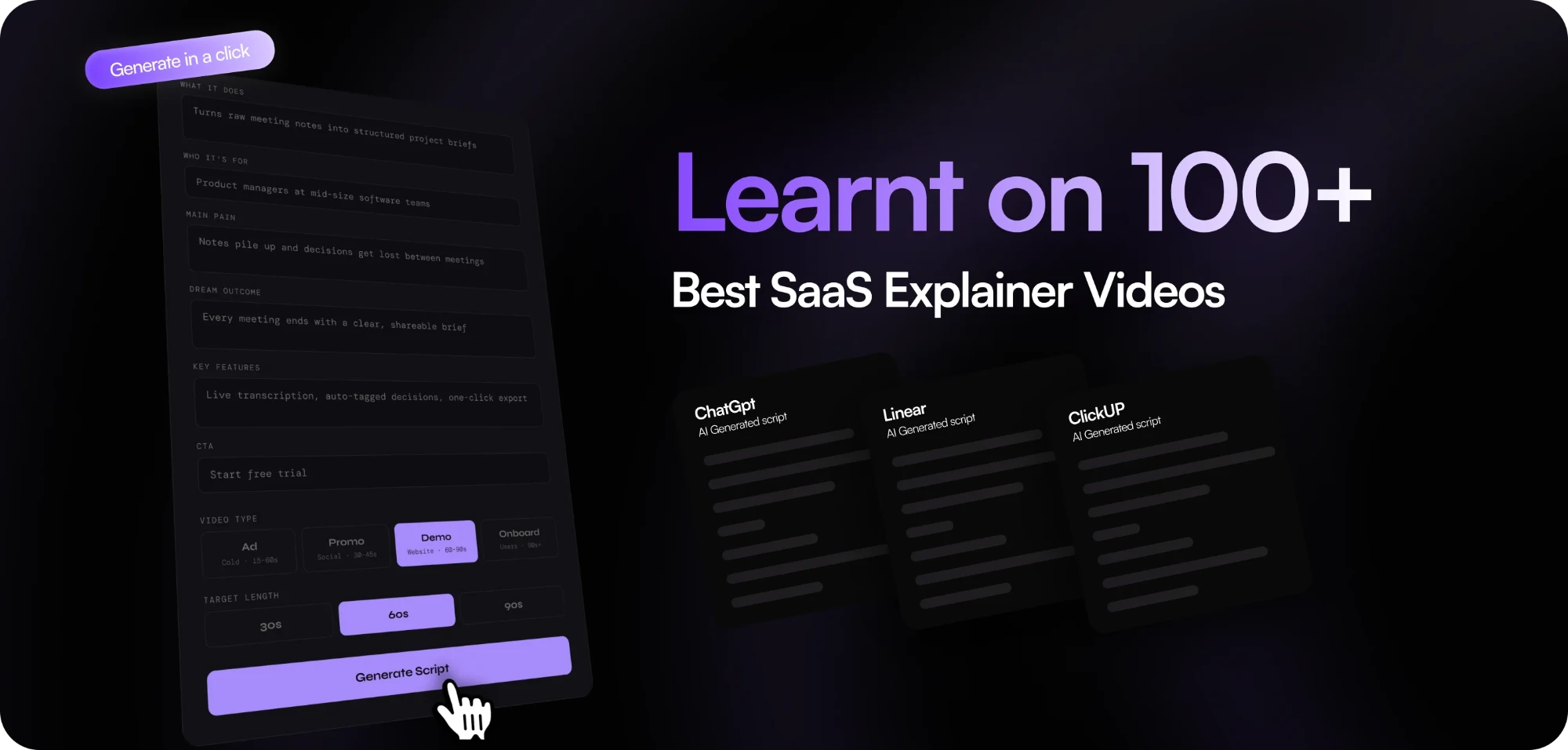
- Script tool
- Every future version, including 3.0

$78$39+$20 over Panel
SaaS Kit 2.0 Panel
Just the panel.
- All 25 tools, Figma → AE, 3D Library
- All 2.x updates
$38$19
Built by a studio that sells these videos
Solair Motion makes SaaS demos for software companies. The same ten moves came up on every project, so we built a panel for them. 1.0 shipped in August 2026; 2.0 in November, shaped by what our buyers asked for.
360+ designers. 4.7 on Gumroad.
Read all 18 reviews on Gumroadfrom 18 ratings
I’ve been using SaaS Kit for After Effects, and it’s genuinely a game-changer for anyone working on SaaS projects. The Figma-to-After Effects workflow alone saves a ton of time; text animations, UI reveals, and gradients make repetitive tasks much faster.SubunsteppedGumroad · Aug 2026
It honestly feels like a magic tool for SaaS motion designers. You can focus more on the creative side instead of spending hours building the same animations from scratch.
I’ve been using this extension and it’s honestly a great tool for After Effects. It can save you a lot of time by speeding up many repetitive tasks, especially when working on SaaS and UI animations.mojtaba s.Gumroad · Aug 2026
Definitely worth checking out if you work with After Effects — don’t miss it!
Great toolkit for SaaS animations! Just purchased the SaaS Kit. I hope the standard version will also receive all future updates, including major releases. That would be really appreciated!ReHmAn R.Gumroad · Oct 2026
One of the best Saas kit I have every come across. Can't wait for the next update.Verified buyerGumroad · Sep 2026
its a great plugin saves a lot of time and the animations look premiumsagivfingerGumroad · Aug 2026
Requirements
After Effects 2022+, 2024+ recommended · Windows 10/11 or macOS 11+ · Figma desktop app for the import · Deep Glow optional.
Licence
One key, three computers, 21 days offline. Commercial use on unlimited client projects. Manage computers at your account.
Questions
What's the difference between Panel and Studio?
Both are SaaS Kit 2.0 with the same panel. Studio adds our production kit: 3 client project files, 30 backgrounds, the workflow playbook, the script tool, and every future version. What's inside Studio →
I bought SaaS Kit 1.0. Do I get 2.0?
Yes, free. If you bought 1.0 on Gumroad: download 2.0 from your Gumroad library, install it over 1.0 and enter the same key. Kit owners get all 2.x updates; Studio owners get every future version, including 3.0.
How many computers?
Three. Manage them in your account (Account, top right).
Does it work offline?
Yes, for 21 days after the last check-in. The 3D Library downloads objects on demand, so that one needs a connection.
Which After Effects versions?
2022 and newer. 2024+ recommended, since Cursor and Backgrounds need it.
Do I need the Figma desktop app?
Only for the import. Everything else works without Figma.
Do I need any other plugins?
No. Deep Glow is optional.
Can I use it on client work?
Yes. Commercial use on unlimited client projects. You're licensed to use it, not to redistribute it.
Refunds?
If SaaS Kit doesn't work on your setup and we can't fix it, you get a full refund within 14 days, wherever you bought it. Email us your OS and After Effects version first: most problems are fixed the same day. We don't refund a change of mind once the files are downloaded.
Where can I buy it?
Here on this site, or on Gumroad: same files, same licence key, same updates. Copies anywhere else are 1.0, unsupported, and often carry malware.